Free thumbnail text generator
Type your words, pick a style and download bold YouTube thumbnail text as a transparent PNG. Free, no sign-up, no AI. It runs in your browser.
Free, no sign-up, no AI. The text is drawn in this browser; nothing is uploaded to Sairelo.
Put *stars* around a word to colour it with the accent colour. Keep it to 3–5 words.
How do I make thumbnail text that stands out?
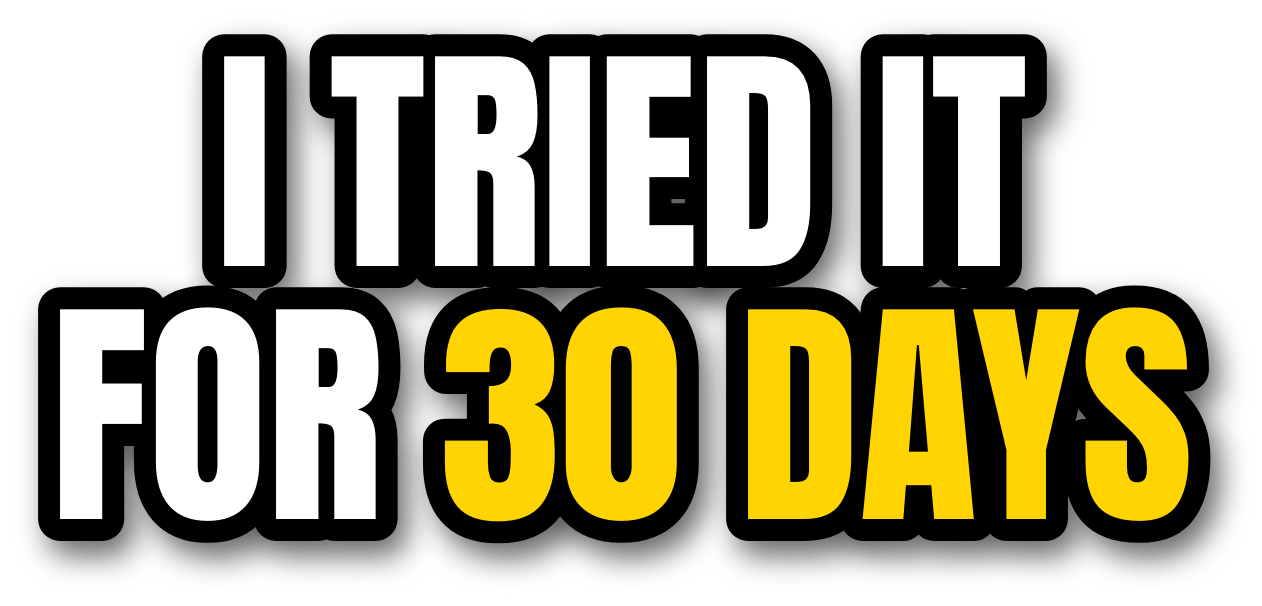
Thumbnail text stands out when it is set in a heavy font, filled with a light colour and wrapped in a thick dark outline, so it stays readable on any picture behind it.
Add a soft drop shadow to lift the letters off a busy background, and colour one word with an accent colour to show the viewer where to look first.
In this generator, pick a style preset, set the outline thickness, and switch the preview between a transparent, dark, light and busy background. If the words stay readable on the busy scene, they will survive on a real frame.
How big should thumbnail text be?
Thumbnail text should be big enough to read when the whole thumbnail is shrunk to the size of a small phone preview, which in practice means large, chunky letters rather than small captions.
Test it: shrink your browser window or zoom out until the preview is about 200 pixels wide. If you can still read every word, the size works. If you cannot, cut words or raise the size slider.
The generator fits your text to the largest size that stays inside the 1280×720 frame, so fewer words automatically means bigger letters.
Which colours and contrast work best for thumbnail text?
Light text with a dark outline, or dark text with a white outline, gives the strongest contrast; add one bright accent colour for a single key word.
Avoid text that is close in brightness to the picture behind it, such as yellow letters on a bright sky. The outline and shadow controls exist to fix that.
The colour pickers let you match your channel colours. Keep the outline much darker or lighter than the fill, not a similar shade.
How many words should thumbnail text have?
Three to five words is the working range: enough for a hook, few enough to keep the letters large.
The thumbnail adds to the title instead of repeating it. If the title says what the video is, the thumbnail text can say the surprise, the number or the result.
The text should match what the video delivers. A promise the video does not keep brings clicks followed by early exits.
How do I use the downloaded thumbnail text?
Download the transparent PNG, then place it on top of your photo or video frame in any image editor, or build the whole thumbnail in the free YouTube thumbnail maker.
Choose “Trim to the text” for a tight PNG you can scale freely, or “Full 1280×720 canvas” to keep the text in the position you see in the preview.
Need the whole thumbnail, not just the text?
The free YouTube thumbnail maker puts your photo, a template, the same bold text, arrows and stickers on one 1280×720 canvas and downloads a JPG or PNG under 2 MB.
Open the YouTube thumbnail makerThumbnail text generator FAQ
Is this thumbnail text generator free?
Yes. It is free, needs no account and adds no watermark. Sairelo charges only for narration, not for the thumbnail tools.
Does the thumbnail text generator use AI?
No. You type every word and choose every style. The text is drawn in your browser with an HTML canvas.
Is my text uploaded or stored?
No. Nothing you type or download is sent to Sairelo. Closing the tab removes it.
Which fonts does it use?
Two bold thumbnail fonts: a tall condensed capital font and a rounded bold font. Both are loaded from this site.
Is the PNG really transparent?
Yes. The PNG has an alpha channel, so only the letters, outline and shadow are opaque. The checkerboard in the preview shows the transparent area.
Last reviewed 2026-11-21.