Free YouTube thumbnail maker
Upload a video frame or photo, pick a template, type a short headline and download a 1280×720 thumbnail. Free, no sign-up, no watermark. It runs in your browser.
Free, no sign-up. Your photo stays in this browser: nothing is uploaded to Sairelo.
Put *stars* around a word to colour it. Keep it to 3–5 words.
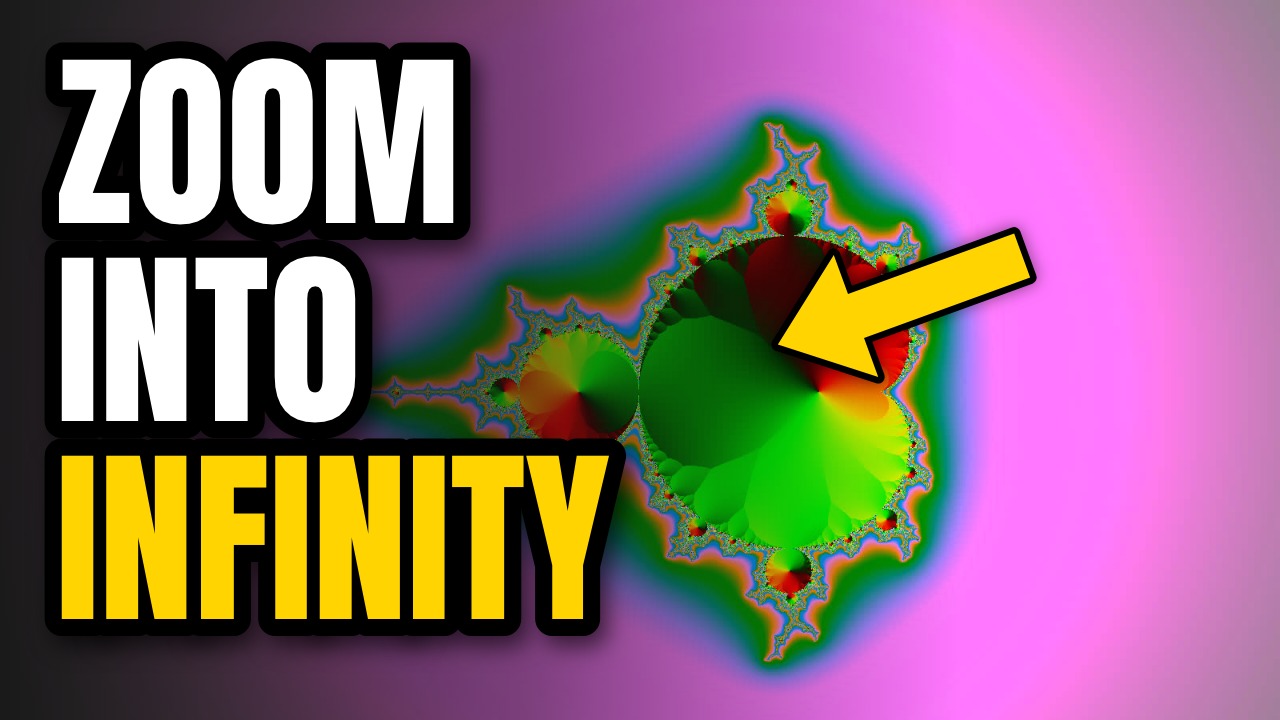
What size is a YouTube thumbnail?
A YouTube video thumbnail is a 16:9 image at least 640 pixels wide; 1280×720 pixels is the standard size that every upload path accepts. YouTube Help recommends up to 3840×2160 and lists a 2 MB limit for thumbnails uploaded from a phone (50 MB on desktop).
- Aspect ratio: 16:9 for regular videos. Shorts use 9:16, and podcast playlists use 1:1.
- Formats: JPG or PNG.
- Why this tool exports 1280×720: the file stays under 2 MB, so you can upload it from YouTube Studio on desktop or from the YouTube app on a phone.
- Source: YouTube Help, “Add custom thumbnails”, read on 2026-11-21.
What makes a YouTube thumbnail get clicks?
A thumbnail gets clicks when a viewer understands it in under a second at phone size: one clear subject, three to five big words, strong contrast, and a promise that matches the title.
- One subject. A face with a clear expression or one object reads at small sizes. A busy screenshot does not.
- Few words. The thumbnail adds to the title; it does not repeat it. Three to five words fit the big-text templates.
- Contrast. Light text with a dark outline, or dark text on a bright panel. The outline and shadow controls in this tool exist for this reason.
- Keep the bottom-right corner clear. YouTube places the video length there. Turn on the safe-zone overlay to see it.
- Honest promise. A thumbnail that the video does not deliver brings clicks and then early exits. YouTube treats misleading thumbnails as a policy problem.
- Test it. Shrink the preview to the width of your thumb on a phone. If you cannot read the words, cut words or raise the text size.
Can I make a YouTube thumbnail for free?
Yes. This thumbnail maker is free with no sign-up and no watermark, and it downloads a 1280×720 JPG or PNG under 2 MB that YouTube accepts.
To upload a custom thumbnail, YouTube requires a verified channel. Verification uses a phone number at youtube.com/verify. YouTube can also limit how many custom thumbnails a channel uploads per day.
How do I make a YouTube thumbnail with this tool?
Make a YouTube thumbnail in five steps: upload a photo, pick a template, write the headline, add a sticker, then download.
- Upload a frame from your video or any photo you have the right to use. Drag the photo on the preview to move it, and use the zoom slider to crop.
- Pick one of 12 templates: big text left or right, split, before/after, versus, list, centre punch, bottom bar, top banner, frame, face circle or big question.
- Type the headline. Put *stars* around a word to colour it with the accent colour. Adjust text size, outline and shadow.
- Add an arrow, a circle or an emoji. Drag it into place, then resize or rotate it.
- Choose JPG or PNG and select “Download 1280×720”.
Which thumbnail template should I use?
Pick the template by the type of video: big text for opinions and stories, before/after for results, versus for comparisons and list for tips.
- Big text left or right: a face on one side, three to five words on the other.
- Split: a clean photo half and a solid colour half for tutorials.
- Before / after: two photos with labels for makeovers, edits and progress videos.
- Versus: two products or options with a “VS” badge in the middle.
- List: a short numbered list next to a photo for “3 tips” videos.
- Face circle: a round portrait on a solid colour for talking-head and podcast clips.
Should I save my YouTube thumbnail as JPG or PNG?
Save photo thumbnails as JPG: a 1280×720 JPG is usually well under 2 MB with no visible loss. Use PNG for flat graphics with few colours.
A PNG of a detailed photo can pass 2 MB. When that happens, this tool saves a JPG instead and tells you, so the file uploads from a phone too.
Where does YouTube put the timestamp on a thumbnail?
YouTube shows the video length in the bottom-right corner of the thumbnail, so keep text and faces out of that corner.
The safe-zone overlay in the editor marks that corner. The overlay is only a guide: it is not included in the download.
How does this free thumbnail maker compare with Canva, Adobe Express, Photopea and CapCut?
This maker is free with no sign-up and no watermark and downloads a 1280×720 JPG or PNG; Canva, Adobe Express and CapCut each describe their thumbnail tools as free on their own pages, and Photopea is a general free photo editor.
- Canva: its page is titled “Free YouTube Thumbnail Maker”, tags some features “PRO”, and states 1280 × 720 pixels with a 2 MB maximum. The page shows Sign up and Log in; whether an account is needed to download is not stated. canva.com
- Adobe Express: its page says “Make YouTube thumbnails for free in minutes” and offers free templates; it also promotes Express Premium and shows Sign in. An export size is not stated on the page. adobe.com/express
- Photopea: its home page describes a free online photo editor with layers, masks and PSD support that runs on your device, not a thumbnail template tool. Sign-up and export size are not stated. photopea.com
- CapCut: its thumbnail guide says “Try Online for Free” with no credit card required and mentions templates, background removal and resizing. Sign-up is shown; an export size is not stated. capcut.com
Competitor details are read from each vendor’s own page on 2026-11-22 and can change. We make Sairelo, so check their pages before you choose.
Need just the text for your thumbnail?
Use the free thumbnail text generator to style bold text with an outline and shadow and download it as a transparent PNG.
Open the thumbnail text generatorNeed to check or resize an image you already have?
The YouTube thumbnail size page checks an image's ratio, width, format and file size against YouTube's limits and resizes it to 1280×720 in your browser.
Check or resize a thumbnailNarrate the video in your own voice
Sairelo is an AI voiceover tool. It turns your script into English narration in your own cloned voice, recorded with your consent. You write the script; Sairelo reads it in your voice.
Narrate this video in your own voice
You write the script. Sairelo reads it in your cloned voice, which you record with your consent.
Start narratingThe thumbnail maker stays free. Narration needs an account.
Thumbnail maker FAQ
Is this YouTube thumbnail maker free?
Yes. The thumbnail maker is free, needs no account and adds no watermark. Sairelo charges only for narration, not for thumbnails.
Do I need a subscription to download a thumbnail?
No. You can download as many thumbnails as you want without signing up or paying. A Sairelo plan is only needed if you also want AI narration in your own voice.
Does the thumbnail maker upload or store my photo?
No. The editor draws your thumbnail in your browser with an HTML canvas. Your photo is never sent to Sairelo, and closing the tab removes it.
Does the free thumbnail maker use AI?
No. The free tool is a design editor: templates, text, stickers and colour presets. You choose every word and every picture.
Which file formats can I download?
You can download JPG or PNG at 1280×720 pixels. If a PNG is over 2 MB, the tool saves a JPG instead so YouTube accepts it from every device.
How long does it take to make a thumbnail?
Most thumbnails take two to five minutes: upload a frame, pick a template, type three to five words and download.
Can I make a thumbnail on my phone?
Yes. The editor works in mobile browsers at phone width. You can upload a photo from your camera roll and save the result to your phone.
Last reviewed 2026-11-21.